What Is a Data Pipeline? Definition, Examples & How to Trust It
Clear data pipeline definition, batch vs streaming, real examples — plus how to catch silent failures when Airflow is green but dashboards are wrong. Free catalog for 2 pipelines.
- data-pipeline
- getting-started
- batch
- streaming
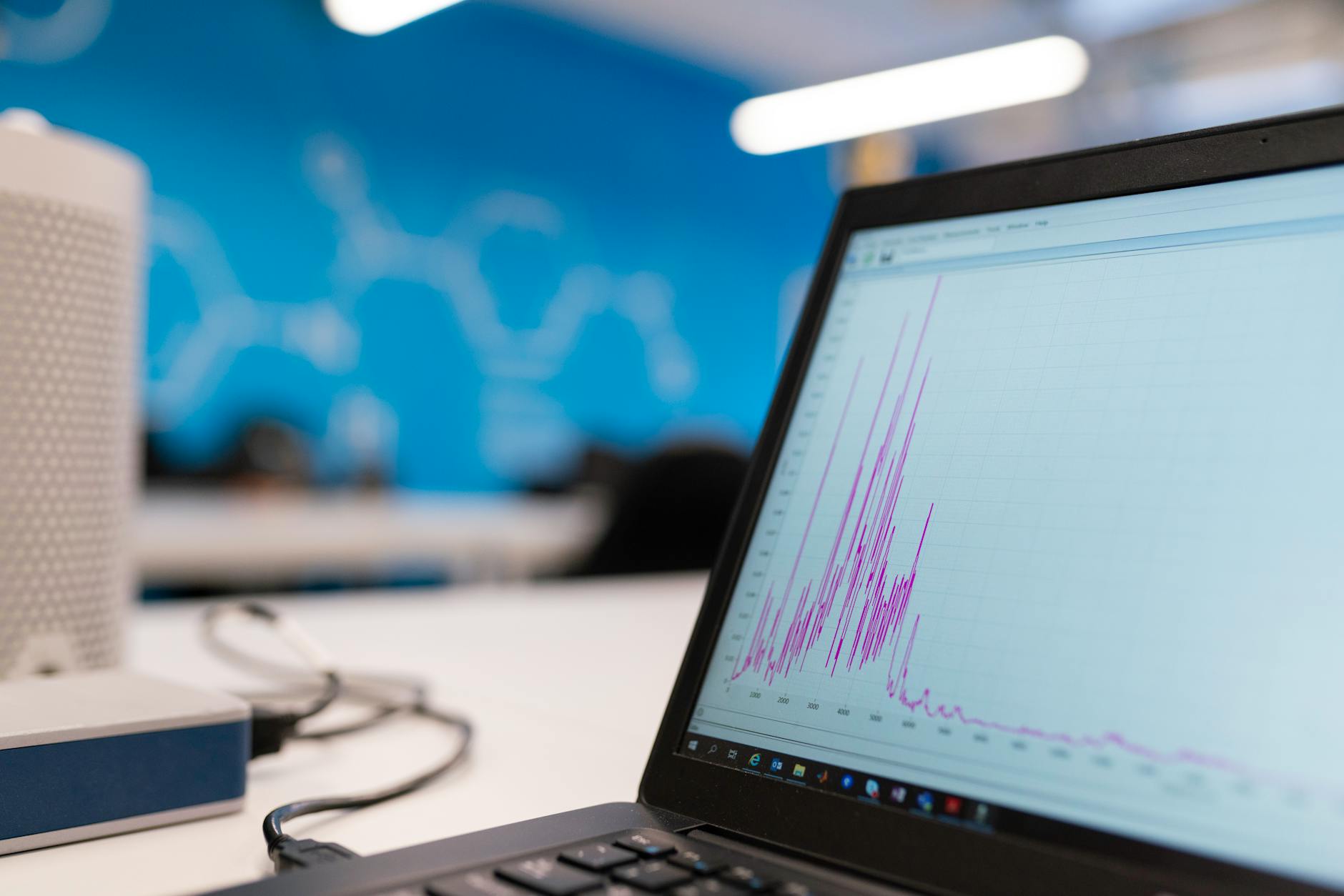
A data pipeline is an automated sequence of steps that moves data from sources (databases, APIs, files, streams) through transforms (cleansing, joins, aggregations) into targets (warehouses, lakes, dashboards, or downstream apps). The goal is reliable, repeatable delivery of data products—not one-off exports.
If your team runs nightly ETL, syncs SaaS data into Postgres, or streams click events into a warehouse, you already operate pipelines. The question is whether they are documented, tested, and observable when something breaks at 6 a.m.
Looking for the product? DataXPipe is a pipeline catalog and trust runtime — import dbt or Airflow, catch silent failures, and start free. Full definition landing: What is a data pipeline?.
Batch vs streaming
| Mode | How it works | Typical use |
|---|---|---|
| Batch | Pull or ingest data on a schedule (hourly, daily) | Finance reporting, CRM syncs, warehouse loads |
| Streaming | Process events continuously as they arrive | Fraud detection, product analytics, IoT alerts |
| Micro-batch | Small frequent batches (e.g. every 5 minutes) | Near-real-time dashboards without full stream complexity |
Most teams start with batch pipelines because they are simpler to debug and cheaper to operate. Streaming adds value when latency or event volume makes scheduled jobs impractical.
Core components
Every production pipeline, regardless of tooling, includes these pieces:
- Sources — Where data enters: Postgres replicas, S3 buckets, Salesforce API, Kafka topics.
- Ingestion — Copy or capture changes (full load, incremental, CDC).
- Transform — SQL in dbt, Spark jobs, Python scripts, or orchestrated tasks that shape raw data into models.
- Target — BigQuery tables, Snowflake marts, Postgres analytics schemas, or feature stores.
- Orchestration — Airflow, Dagster, cron, or managed schedulers that run steps in order with retries.
- Quality checks — Freshness, row counts, null rates, or business rules that fail the run before bad data ships.
- Metadata — Owners, schedules, lineage, and run history so the next engineer is not guessing.
Missing any of these is how “it worked on my laptop” becomes a production incident.
Example 1: E-commerce orders (batch)
A retailer loads Shopify orders into an analytics warehouse every night:
Shopify API → raw.orders (landing) → SQL transform → mart.daily_revenue → BI dashboard
The pipeline runs at 2 a.m., checks that mart.daily_revenue has rows for yesterday, and alerts Slack if the load is empty or stale. Finance trusts the dashboard because freshness is verified, not assumed.
Example 2: Product events (streaming)
A SaaS app sends click and signup events to a message queue. A stream processor aggregates counts per minute into a metrics table consumed by an internal admin UI.
Latency matters here: batching once per day would hide signup spikes during a launch. The tradeoff is higher operational complexity (consumers, offsets, dead-letter queues).
Example 3: Postgres to Postgres (operational sync)
A team copies cleaned customer records from an application database to a read replica used by support tooling. The pipeline is small—one source, one SQL script, one target—but still needs idempotency, error handling, and lineage so support knows which version of customers_clean they are querying.
Green orchestration ≠ trustworthy data
Airflow (or any orchestrator) can report SUCCESS while your mart is 38 hours stale or a KPI drifted 40%. That is a silent failure — stakeholders find it in a dashboard, not in task logs.
Defining a pipeline is step one. Proving it can be trusted means attaching freshness, volume, and drift checks, knowing lineage blast radius, and sharing a warrant stakeholders can open. That is what DataXPipe Pipeline Passports are for.
How this relates to DataXPipe
DataXPipe treats pipelines as declarative specs: sources, transforms, targets, schedules, and checks in YAML. Those specs generate orchestration artifacts and register metadata (lineage, owners, run history) in a pipeline catalog. When checks fail, Passports revoke automatically so share links do not lie.
You do not need a catalog on day one. You do need a clear definition of what each pipeline does, who owns it, and how you know it succeeded — then a place to register that contract.
Start free — 2 pipelines · Transparent pricing
Practical next steps
- Inventory your top five pipelines: source, transform, target, schedule, owner.
- Add one automated check per pipeline (freshness or row count).
- Document upstream dependencies—what breaks if source X is late?
- Register the pipeline in a catalog so onboarding does not depend on tribal knowledge.